Restore von Ordnern oder Dateien
Mount10 Cloud to Cloud Webseite öffnen
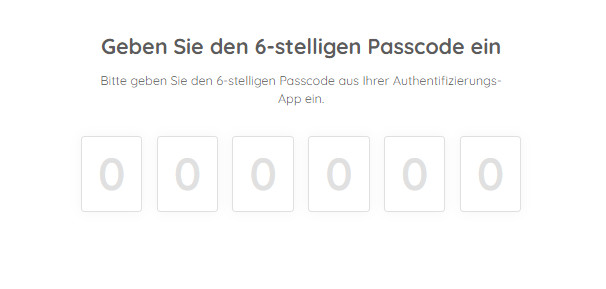
- Login bei Mount10 cloud2cloud mit Username und Passwort, zusätzlich mit 2Phasen Authentifikation bestätigen.

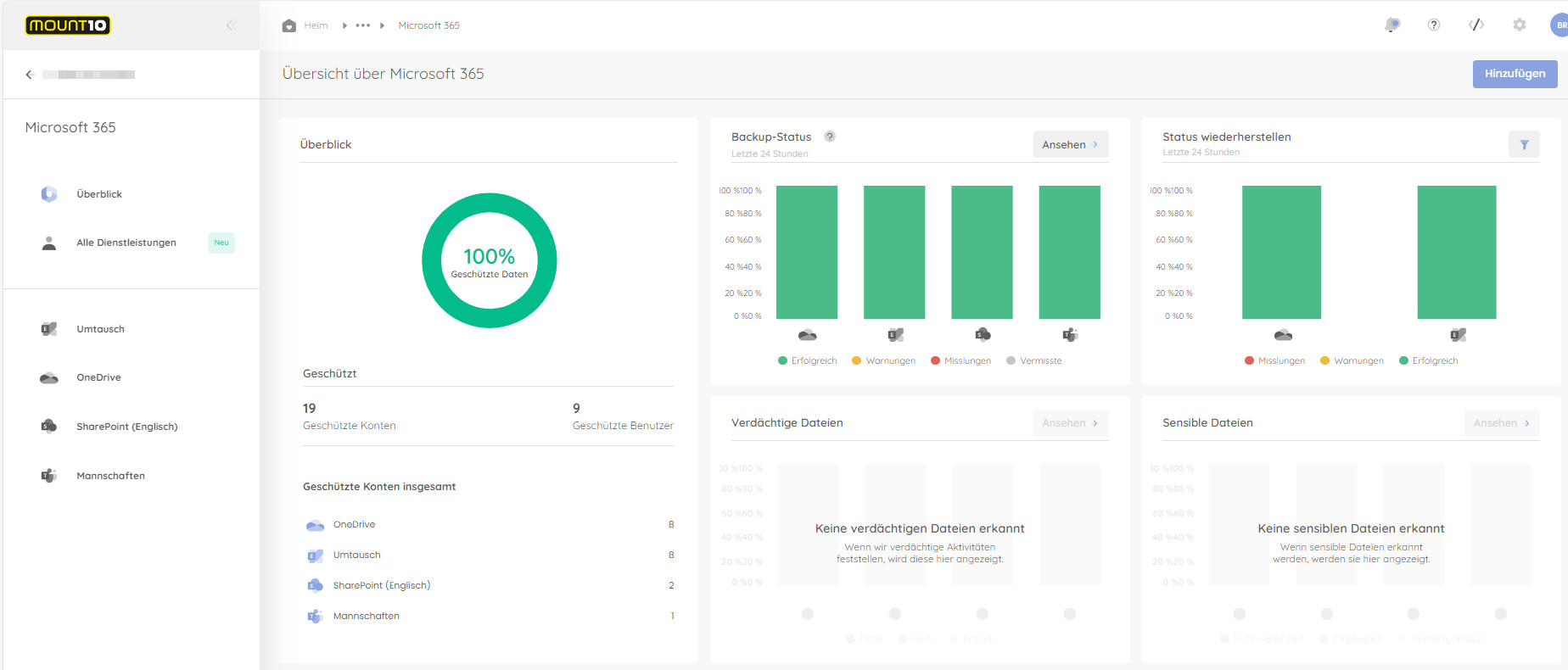
Wechsel auf Microsoft 365

OneDrive anwählen
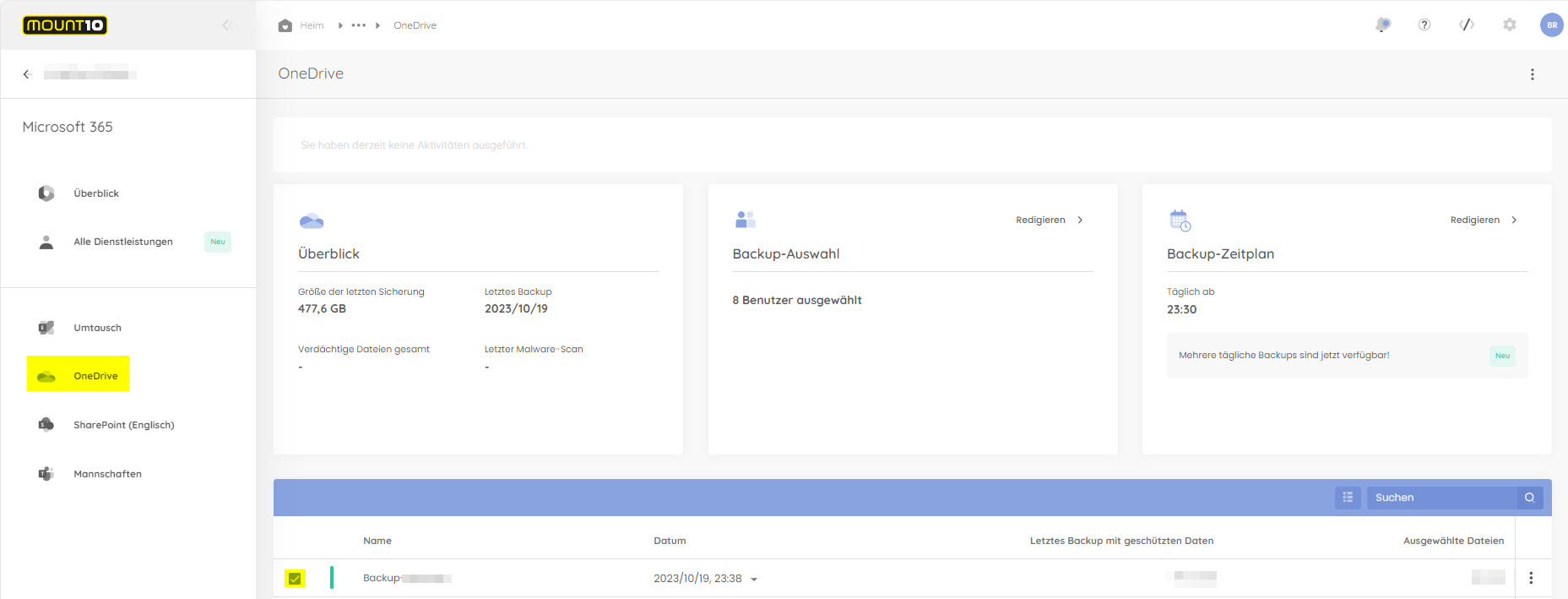
Instanz anwählen
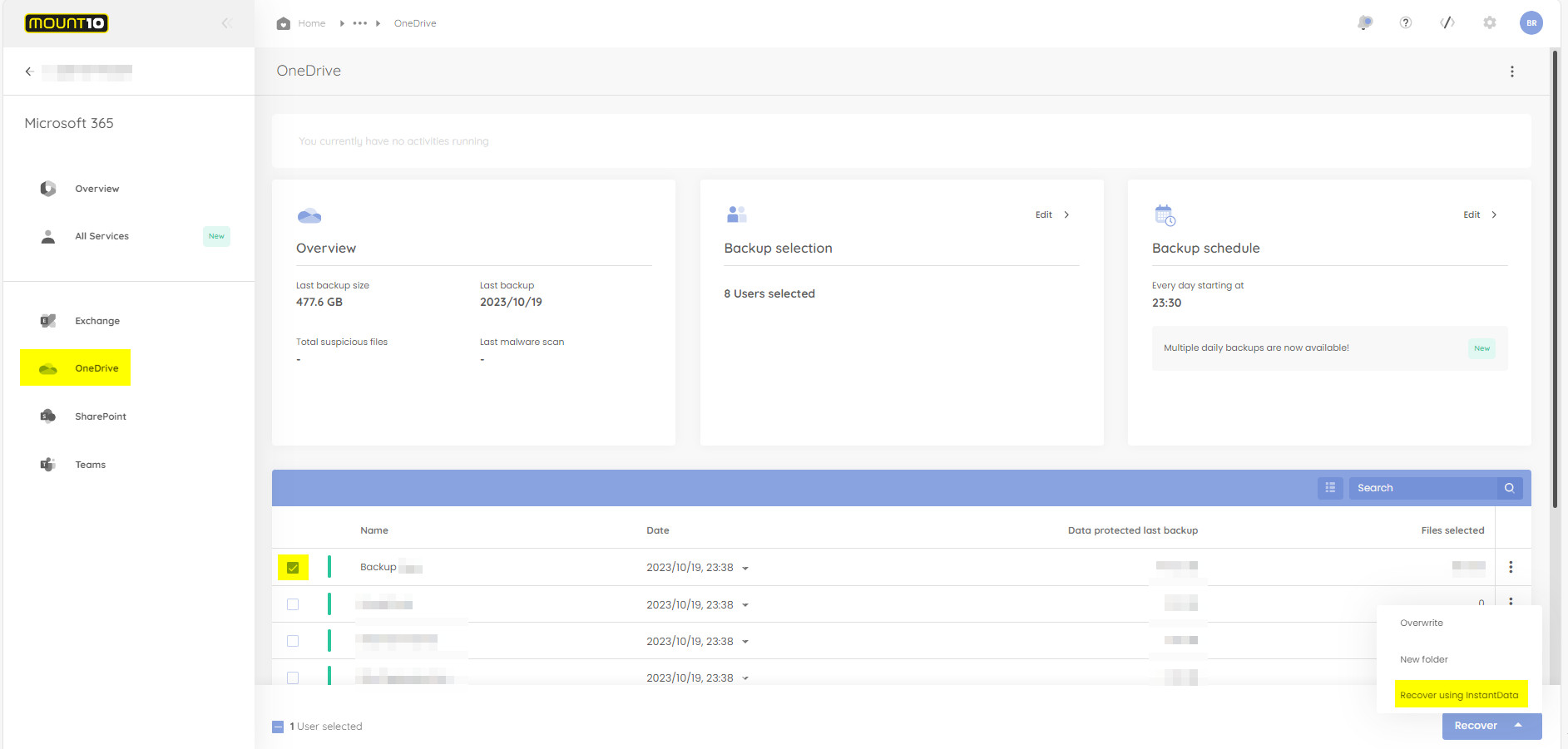
Recover using InstantData anwählen
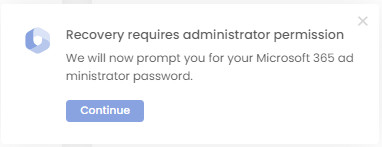
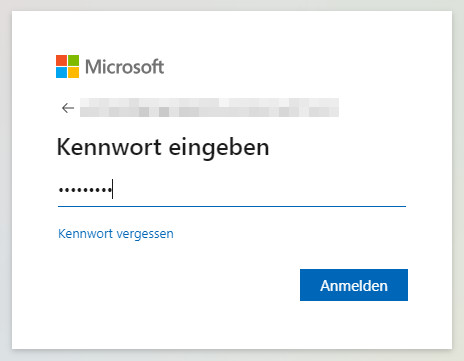
Die angeforderte Aufgabe erfordert noch eine Office 365 Account Anmeldung.
- Dort wird die Berechtigung dieses Users nochmals überprüft.
InstantData Netzlaufwerk Verbinden
- Nun wird ein Link erstellt der Kopiert und in einem neuen Browserfenster eingefügt und geöffnet werden kann.
- Dieser Link ist nur 24 Std. gültig
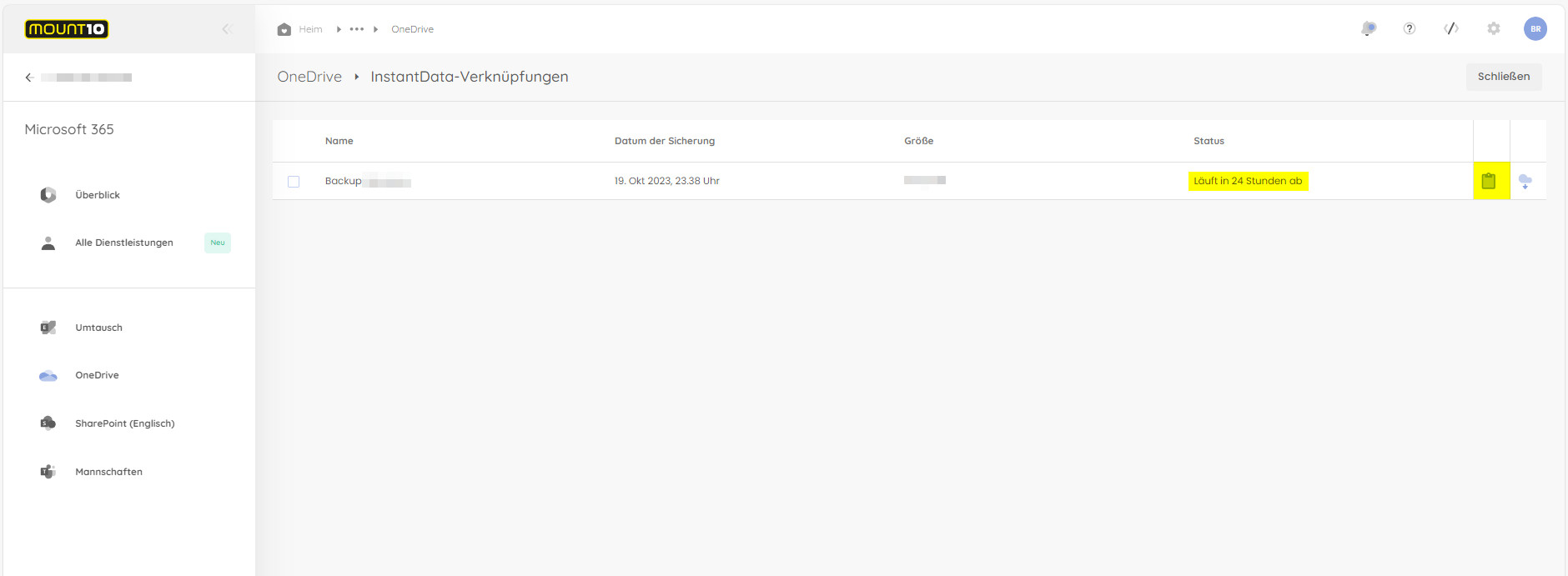
- Dann wir die Software für die Netzlaufverbindung heruntergeladen, die Anschliessend Ausgeführt werden kann.
- Bei der Installation können verschiedene Optionen angewählt werden
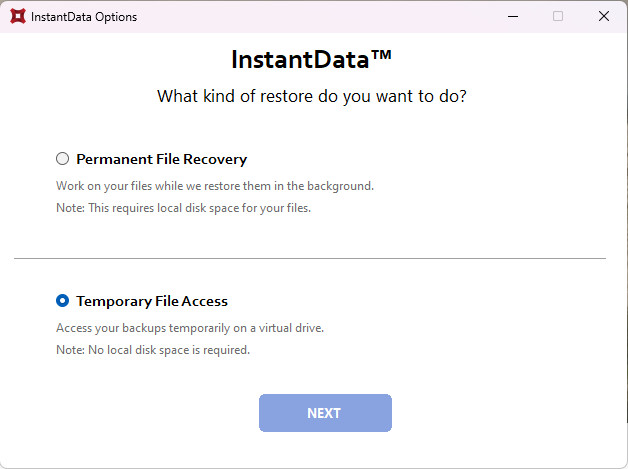
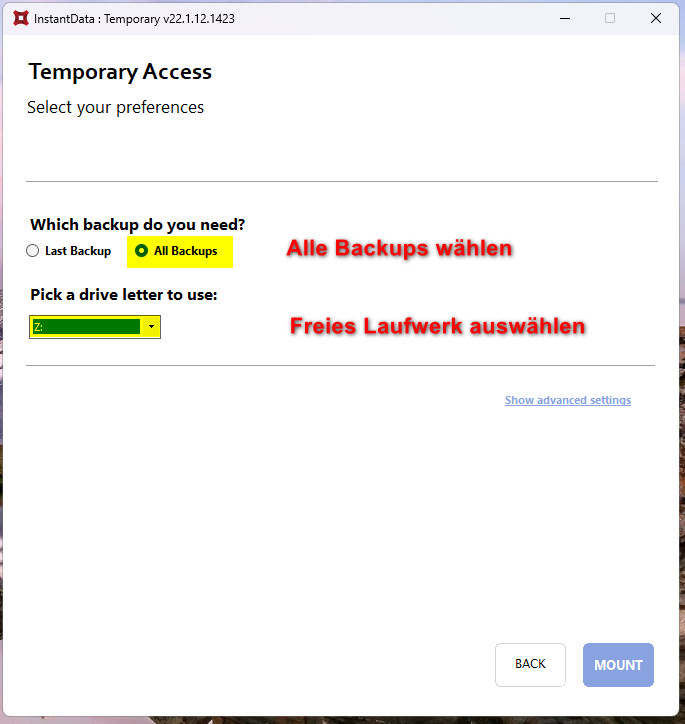
- Netzlaufwerk Verbinden ( MOUNT )
Dann sind alle Backups und Daten verfügbar und können von dort Kopiert werden.
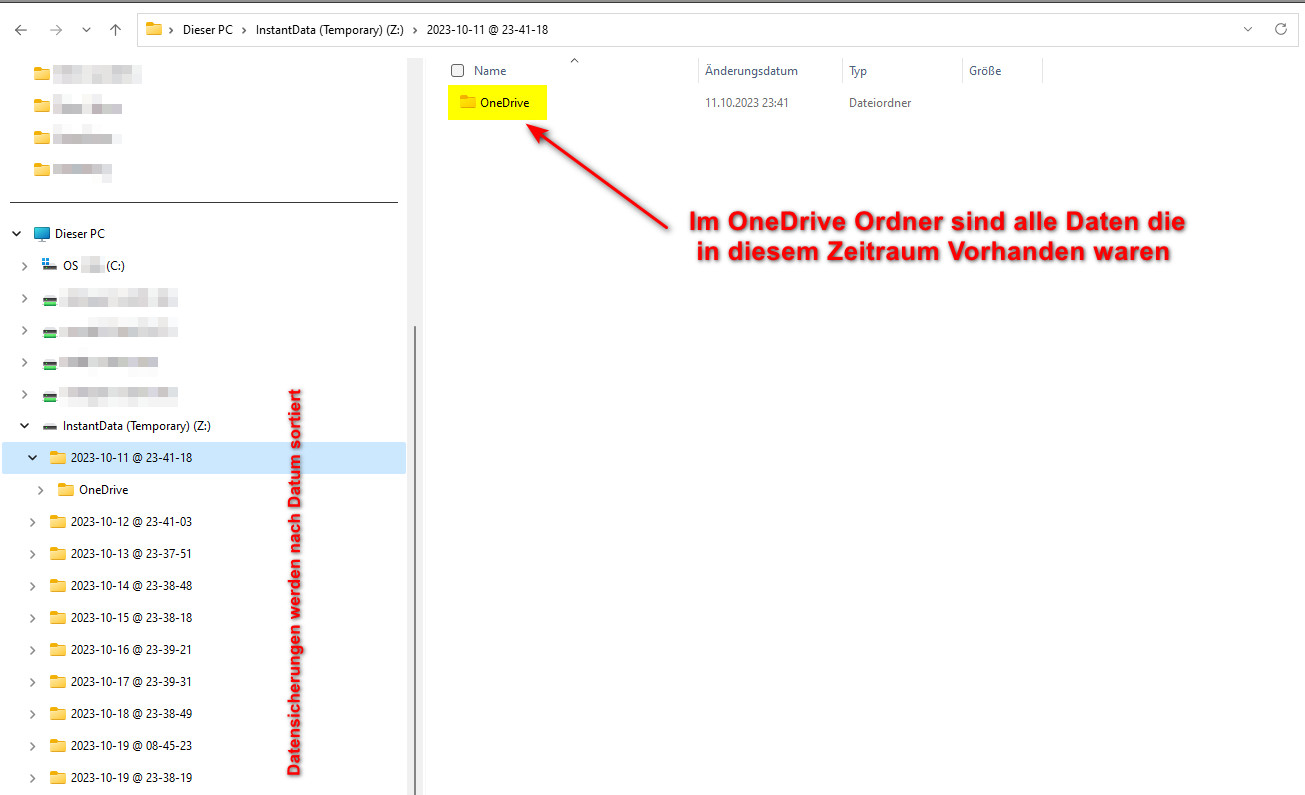
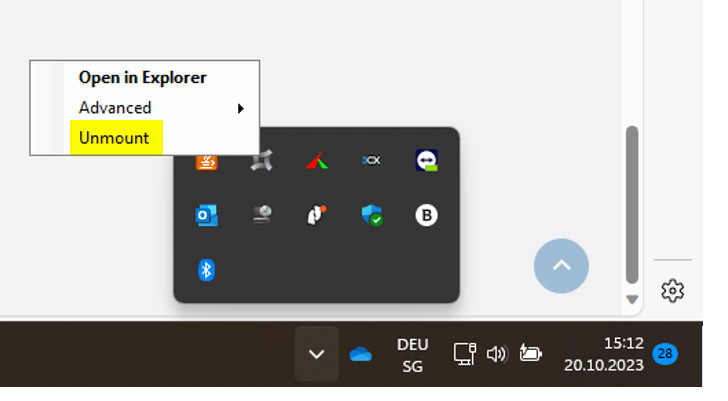
Bei erfolgreichem Restore kann die Verbindung wieder getrennt werden.